【最近和圈内一些Oracle 、MySQL、PostgreSQL专家组建了一个知识问答付费群,还有一些空位,有兴趣的朋友欢迎加入!,联系方式看文章最后】
之前有朋友在群里提到dml产生大量逻辑的问题,我在想这或许跟assm机制有关,于是顺手测了一下,没想到有一些新发现! 如下是Oracle 19c的 测试记录:
SQL> conn roger/roger
Connected.
SQL> create table t11(id number,name1 varchar2(2000),name2 varchar2(2000));

Table created.

SQL> insert into t11 values(1,lpad('roger',1000,'roger'),lpad('roger',1000,'roger'));
insert into t11 values(2,lpad('roger',1000,'roger'),lpad('roger',1000,'roger'));
insert into t11 values(3,lpad('roger',1000,'roger'),lpad('roger',1000,'roger'));

1 row created.

SQL>
1 row created.

SQL>
1 row created.

SQL> insert into t11 values(4,lpad('roger',1000,'roger'),lpad('roger',1000,'roger'));

1 row created.

SQL> insert into t11 values(5,lpad('roger',1000,'roger'),lpad('roger',1000,'roger'));

1 row created.

SQL> insert into t11 values(6,lpad('roger',1000,'roger'),lpad('roger',1000,'roger'));
insert into t11 values(7,lpad('roger',1000,'roger'),lpad('roger',1000,'roger'));
insert into t11 values(8,lpad('roger',1000,'roger'),lpad('roger',1000,'roger'));
insert into t11 values(9,lpad('roger',1000,'roger'),lpad('roger',1000,'roger'));

1 row created.

SQL>
1 row created.

SQL>
1 row created.

SQL>
1 row created.

SQL> insert into t11 values(10,lpad('roger',1000,'roger'),lpad('roger',1000,'roger'));

1 row created.

SQL> insert into t11 values(11,lpad('roger',1000,'roger'),lpad('roger',1000,'roger'));

1 row created.

SQL> insert into t11 values(12,lpad('roger',1000,'roger'),lpad('roger',1000,'roger'));

1 row created.

SQL> insert into t11 values(13,lpad('roger',1000,'roger'),lpad('roger',1000,'roger'));

1 row created.

SQL> insert into t11 values(14,lpad('roger',1000,'roger'),lpad('roger',1000,'roger'));

1 row created.

SQL> insert into t11 values(15,lpad('roger',1000,'roger'),lpad('roger',1000,'roger'));

1 row created.

SQL> commit;

Commit complete.

SQL> select OWNER,SEGMENT_NAME,SEGMENT_TYPE,EXTENT_ID,FILE_ID,BLOCK_ID,BLOCKS from dba_extents where segment_name='T11';

OWNER
--------------------------------------------------------------------------------
SEGMENT_NAME
--------------------------------------------------------------------------------
SEGMENT_TYPE                          EXTENT_ID    FILE_ID   BLOCK_ID     BLOCKS
------------------------------------ ---------- ---------- ---------- ----------
ROGER
T11
TABLE                                         0          8     131528          8


SQL> select SEGMENT_NAME,HEADER_FILE,HEADER_BLOCK,BLOCKS from dba_segments where segment_name='T11';

SEGMENT_NAME
--------------------------------------------------------------------------------
HEADER_FILE HEADER_BLOCK     BLOCKS
----------- ------------ ----------
T11
          8       131530          8

SQL> SELECT dbms_rowid.rowid_object (ROWID) data_object_id,
  2         dbms_rowid.rowid_relative_fno (ROWID) relative_fno,
       dbms_rowid.rowid_block_number (ROWID) block_no,
       dbms_rowid.rowid_row_number (ROWID) row_no,
       a.id
FROM t11 a
ORDER BY 3;  3    4    5    6    7

DATA_OBJECT_ID RELATIVE_FNO   BLOCK_NO     ROW_NO         ID
-------------- ------------ ---------- ---------- ----------
        110374            8     131531          0         10             ----》 计划删除这条数据.
        110374            8     131531          1         11
        110374            8     131531          2         12
        110374            8     131532          0         13
        110374            8     131532          1         14
        110374            8     131532          2         15
        110374            8     131533          0          1
        110374            8     131533          1          2
        110374            8     131533          2          3
        110374            8     131534          0          4
        110374            8     131534          1          5
        110374            8     131534          2          6
        110374            8     131535          0          7
        110374            8     131535          1          8
        110374            8     131535          2          9

15 rows selected.

SQL>
此时assm相关的统计数据如下:
       SID NAME                                           VALUE
---------- ---------------------------------------- -----------
      2835 ASSM gsp:get free block                           15
      2835 ASSM gsp:get free data block                      15
      2835 ASSM cbk:blocks examined                          19
      2835 ASSM cbk:blocks marked full                        4
      2835 ASSM gsp:L1 bitmaps examined                      16
      2835 ASSM gsp:L2 bitmaps examined                       1
      2835 ASSM gsp:good hint                                14
接下来此时我们删除ID=20 这行记录。
SQL> delete from t11 where id=10;

1 row deleted.

SQL> commit;

Commit complete.

SQL> alter system checkpoint;

System altered.

SQL> insert into t11 values(20,lpad('roger',666,'roger'),lpad('roger',666,'roger'));

1 row created.

SQL> commit;

Commit complete.

SQL> SELECT dbms_rowid.rowid_object (ROWID) data_object_id,
  2         dbms_rowid.rowid_relative_fno (ROWID) relative_fno,
  3         dbms_rowid.rowid_block_number (ROWID) block_no,
       dbms_rowid.rowid_row_number (ROWID) row_no,
       a.id
FROM t11 a
ORDER BY 3;  4    5    6    7

DATA_OBJECT_ID RELATIVE_FNO   BLOCK_NO     ROW_NO         ID
-------------- ------------ ---------- ---------- ----------
        110374            8     131531          0         20     ---> 新插入的数据,仍然沿用了之前的block,并没选择新分配extent
        110374            8     131531          1         11
        110374            8     131531          2         12
        110374            8     131532          0         13
        110374            8     131532          1         14
        110374            8     131532          2         15
        110374            8     131533          0          1
        110374            8     131533          1          2
        110374            8     131533          2          3
        110374            8     131534          0          4
        110374            8     131534          1          5
        110374            8     131534          2          6
        110374            8     131535          0          7
        110374            8     131535          1          8
        110374            8     131535          2          9

15 rows selected.

SQL>
SQL> @assm

       SID NAME                                             VALUE
---------- ------------------------------------------ -----------
      2835 ASSM gsp:get free block                             18     +3
      2835 ASSM gsp:get free data block                        18     +3
      2835 ASSM cbk:blocks examined                            22     +3
      2835 ASSM cbk:blocks marked full                          4     + 不变
      2835 ASSM gsp:L1 bitmaps examined                        19     +3
      2835 ASSM gsp:L2 bitmaps examined                         3     +2
      2835 ASSM gsp:good hint                                  15     +1

7 rows selected.

SQL>
此时我们dump段头block发现,出现了新的一个结构【实际上Oracle 11.2是不存在的】
Dump of First Level Bitmap Block
 --------------------------------
   nbits : 4 nranges: 1         parent dba:  0x020201c9   poffset: 0
   unformatted: 0       total: 8         first useful block: 3
   owning instance : 1
   instance ownership changed at 01/13/2025 15:25:03
   Last successful Search 01/13/2025 15:25:03
   Freeness Status:            nf1 1      nf2 1      nf3 0      nf4 0      nf5 0
   Extent Map Block Offset: 4294967295
   First free datablock : 3
   Bitmap block lock opcode 0
   Locker xid:     :  0x0000.000.00000000
 Dealloc scn(ub4/ub4): (0x00000000.02cb7408)
 Format scn: 0x0000000002ce4080
   Flag: 0x000002a1 (REJCTX/-/AUX/-/OBJD/-/-/-)
   Inc #: 0 Objd: 110374
  HWM Flag: HWM Set
      Highwater::  0x020201d0  ext#: 0      blk#: 8      ext size: 8
  #blocks in seg. hdr's freelists: 0
  #blocks below: 5
  mapblk  0x00000000  offset: 0
  --------------------------------------------------------
  DBA Ranges :
  --------------------------------------------------------
   0x020201c8  Length: 8      Offset: 0

   0:Metadata   1:Metadata   2:Metadata   3:25-50% free
   4:0-25% free   5:FULL   6:FULL   7:FULL
  --------------------------------------------------------
  ktspfsc -
  nro:0 ncmp:0 nff:0 nxo:1 lastxs:37 nxid:1 ff:0                        ++++ lastxs 37 [应该表示是最新的xid list编号]
  clntime: 0 addtime:0 spare1:0 spare2:0
  ro: rejection opcode, xo: xid offset List
  0. ro:0 xo:-1  1. ro:0 xo:-1  2. ro:0 xo:-1  3. ro:0 xo:37
  4. ro:0 xo:-1  5. ro:0 xo:-1  6. ro:0 xo:-1  7. ro:0 xo:-1
  ktspfsc xidlist -
  0. NULL  1. NULL  2. NULL
  3. NULL  4. NULL  5. NULL
  6. NULL  7. NULL  8. NULL
  9. NULL  10. NULL  11. NULL
  12. NULL  13. NULL  14. NULL
  15. NULL  16. NULL  17. NULL
  18. NULL  19. NULL  20. NULL
  21. NULL  22. NULL  23. NULL
  24. NULL  25. NULL  26. NULL
  27. NULL  28. NULL  29. NULL
  30. NULL  31. NULL  32. NULL
  33. NULL  34. NULL  35. NULL
  36. NULL  37.   0x0017.008.000000de  38. NULL
  39. NULL  40. NULL  41. NULL
  42. NULL  43. NULL  44. NULL
  45. NULL  46. NULL  47. NULL
  48. NULL  49. NULL  50. NULL
  51. NULL  52. NULL  53. NULL
  54. NULL  55. NULL  56. NULL
  57. NULL  58. NULL  59. NULL
  60. NULL  61. NULL  62. NULL
  63. NULL
  ktspfsr not configured -
End dump data blocks tsn: 7 file#: 8 minblk 131528 maxblk 131528
此时如果你dump上述对应的数据块,会发现数据库块对应的ITL中的xid与上述位图block的xid list记录是匹配的。
Block header dump:  0x020201cb
 Object id on Block? Y
 seg/obj: 0x1af26  csc:  0x0000000002ce4285  itc: 2  flg: E  typ: 1 - DATA
     brn: 0  bdba: 0x20201c8 ver: 0x01 opc: 0
     inc: 0  exflg: 0

 Itl           Xid                  Uba         Flag  Lck        Scn/Fsc
0x01   0x0019.00a.00000106  0x0100065d.0130.34  --U-    1  fsc 0x0000.02ce4287
0x02   0x0017.008.000000de  0x012150fd.00d3.21  C---    0  scn  0x0000000002ce425d
bdba: 0x020201cb
data_block_dump,data header at 0x7fbb0c0db064
===============
tsiz: 0x1f98
hsiz: 0x18
pbl: 0x7fbb0c0db064
     76543210
flag=--------
ntab=1
nrow=3
frre=-1
fsbo=0x18
fseo=0x2c4
avsp=0xa88
tosp=0xa88
0xe:pti[0]      nrow=3  offs=0
0x12:pri[0]     offs=0x2c4
0x14:pri[1]     offs=0xfe0
0x16:pri[2]     offs=0x804
block_row_dump:
tab 0, row 0, @0x2c4
tl: 1344 fb: --H-FL-- lb: 0x1  cc: 3
col  0: [ 2]  c1 15                                            --------> id =20
col  1: [666]
 72 6f 67 65 72 72 6f 67 65 72 72 6f 67 65 72 72 6f 67 65 72 72 6f 67 65 72
 .....
 .....
 72 6f 67 65 72 72 6f 67 65 72 72 72 6f 67 65 72
col  2: [666]
 72 6f 67 65 72 72 6f 67 65 72 72 6f 67 65 72 72 6f 67 65 72 72 6f 67 65 72
 .....
 .....
 72 6f 67 65 72 72 6f 67 65 72 72 72 6f 67 65 72
tab 0, row 1, @0xfe0
通过搜索我发现oracle 12.2 居然有这样的bug。 Bug 30265523 - blocks are not marked as free in assm after delete - 12.2 and later (Doc ID
该bug大致意思是讲在高并发场景下,位图block中的很多dba状态会被强制标记为full。 当标记为full,那么则意味着不能进行insert操作。
如果细心的朋友去看19c的awr报告,会发现相比11g的awr而言,会多一些assm相关的统计数据,例如:
SQL> @assm

       SID NAME                                                              VALUE
---------- ------------------------------------------------------------ ----------
      2835 ASSM gsp:get free block                                               2
      2835 ASSM gsp:get free data block                                          2
      2835 ASSM cbk:blocks examined                                              7
      2835 ASSM gsp:L1 bitmaps examined                                          4
      2835 ASSM gsp:L2 bitmaps examined                                          3
      2835 ASSM gsp:L2 bitmap full                                               1
      2835 ASSM gsp:Search all                                                   1
      2835 ASSM gsp:Search steal                                                 1
      2835 ASSM gsp:bump HWM                                                     1
      2835 ASSM gsp:reject db                                                    5
      2835 ASSM gsp:reject L1                                                    1

11 rows selected.
上述的ASSM gsp: reject db 等之类的指标就是我们需要关注的,我这里测试为5。
经过测试发现实际上是存在事务阻塞的情况之下,扫描free block时被跳过的block数量【通常是extent中状态为full的block】。
同时从文档来看提到这是Oracle 12.2引入的一个新特性【_enable_rejection_cache】,有兴趣的朋友可以去看看mos文档。
~~~~~~~~~~~~~~~~~~~~~~ ~~~~~~~~~~~~~~~~
最近和圈内一些Oracle 、MySQL、PostgreSQL专家组建了一个知识问答付费群,还有一些空位,有兴趣的欢迎加入!
加入DataBase Fans付费群,您能有哪些收获?
1、大家可与顶级数据库专家互动,问题范围不限于Oracle,MySQL,PostgreSQL,openGauss等。
2、群里有哪些数据库专家?
- 某MySQL 源码专家xx{打个码}
- PostgreSQL实战专家灿灿
- Oracle专家 Roger以及另外2位Oracle 实战派ACE专家【匿名一下:擅长SQL优化,优化器】
- 是的,大家没有看错,全都是实战派高手!
- 最近付费群又加入了几位顶级SQL高手
2、 入群可以获得群里专家们的收藏脚本
3、 可提供数据库相关资料共享
4、 不定期组织直播案例分析【包括但不限于Oracle、MySQL、国产xxx数据库】
5、 付费群:365人/年 【2025/1/1 - 2025/12/31】
想加入的朋友,扫码加v咨询 Roger_database【前100人仍然维持299特价,100人以后恢复原价】
~~~~~~~~~~~~~~~~~~~~~~ ~~~~~~~~~~~~~~~~~
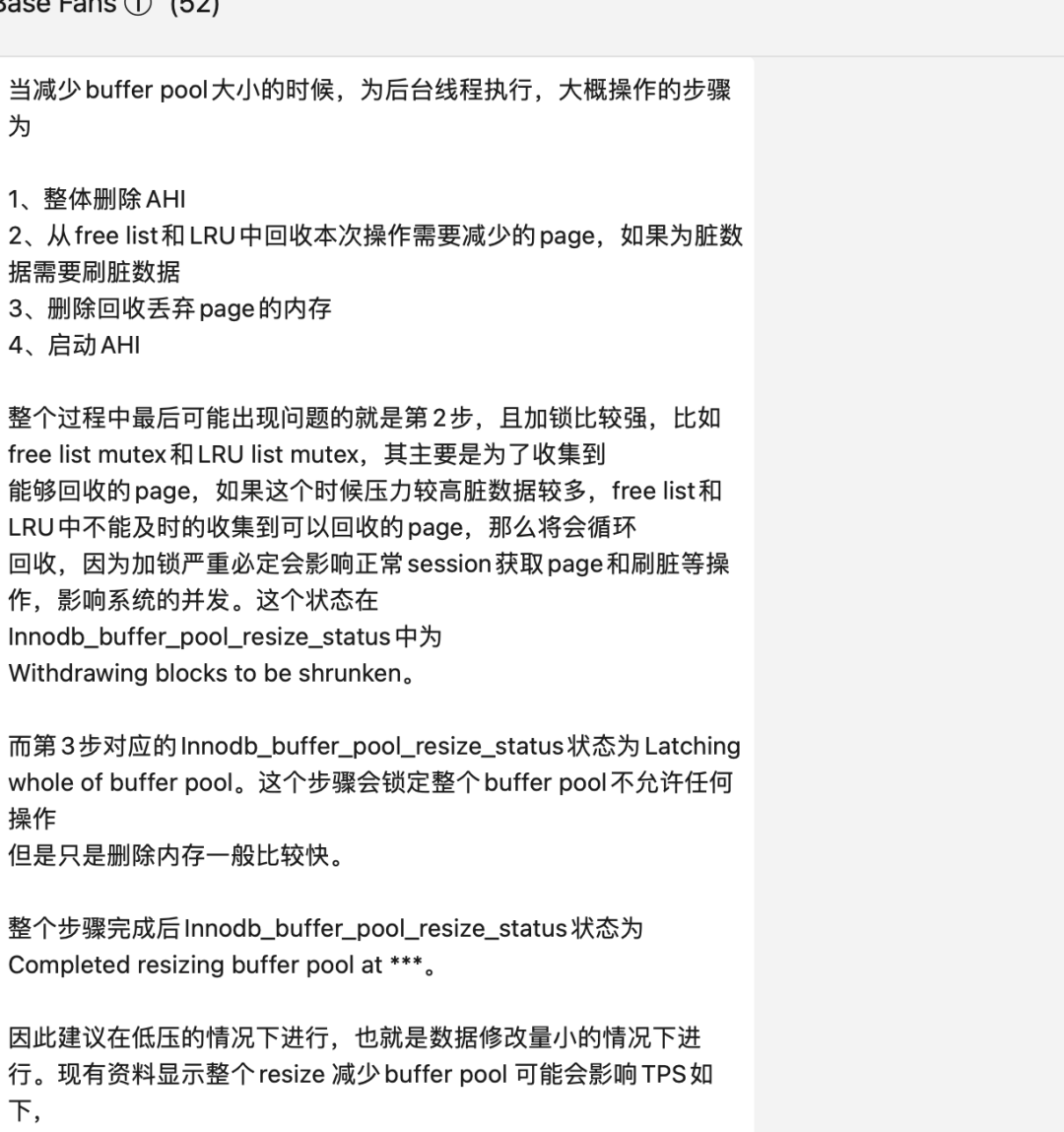
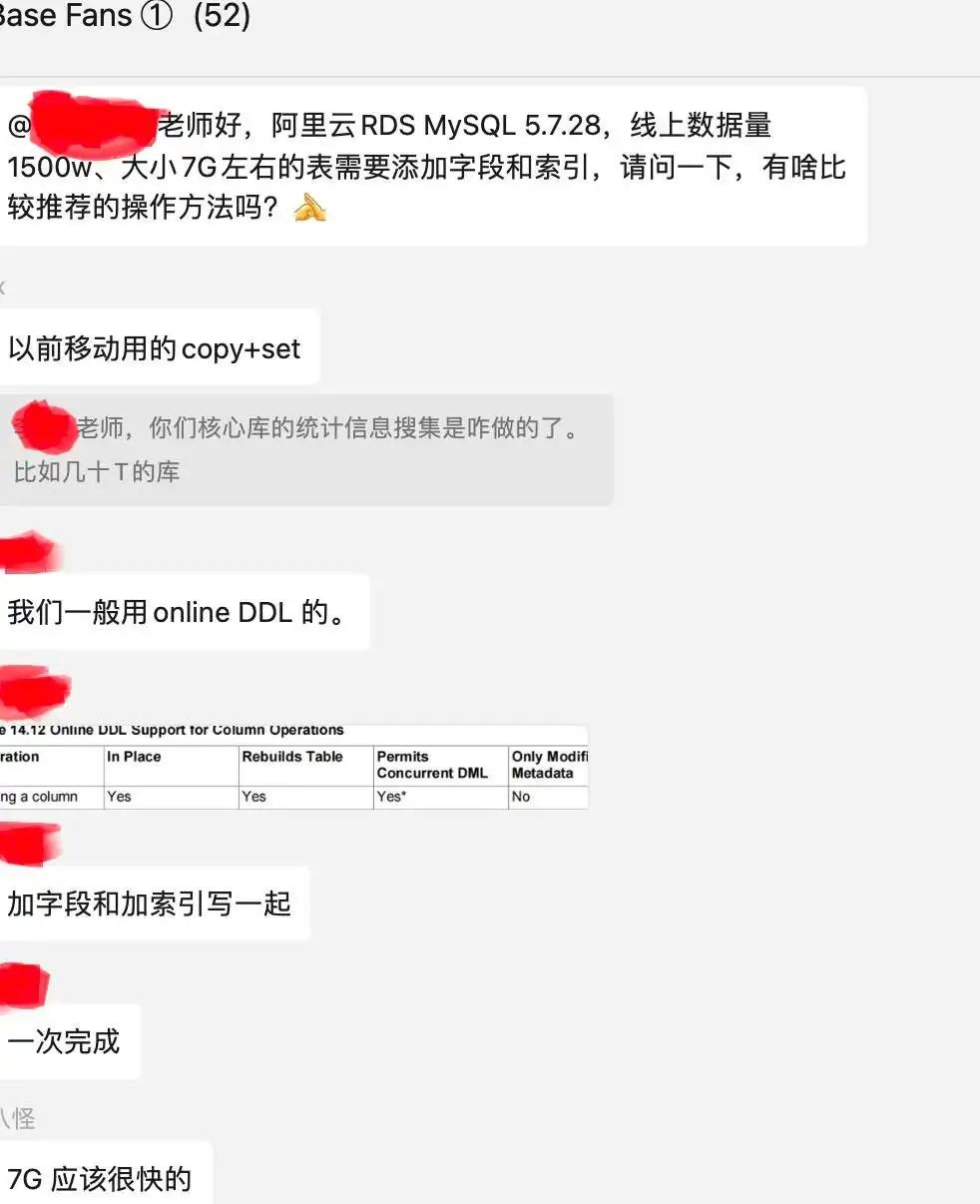
这里附带一些群里技术讨论截图:
Oracle类: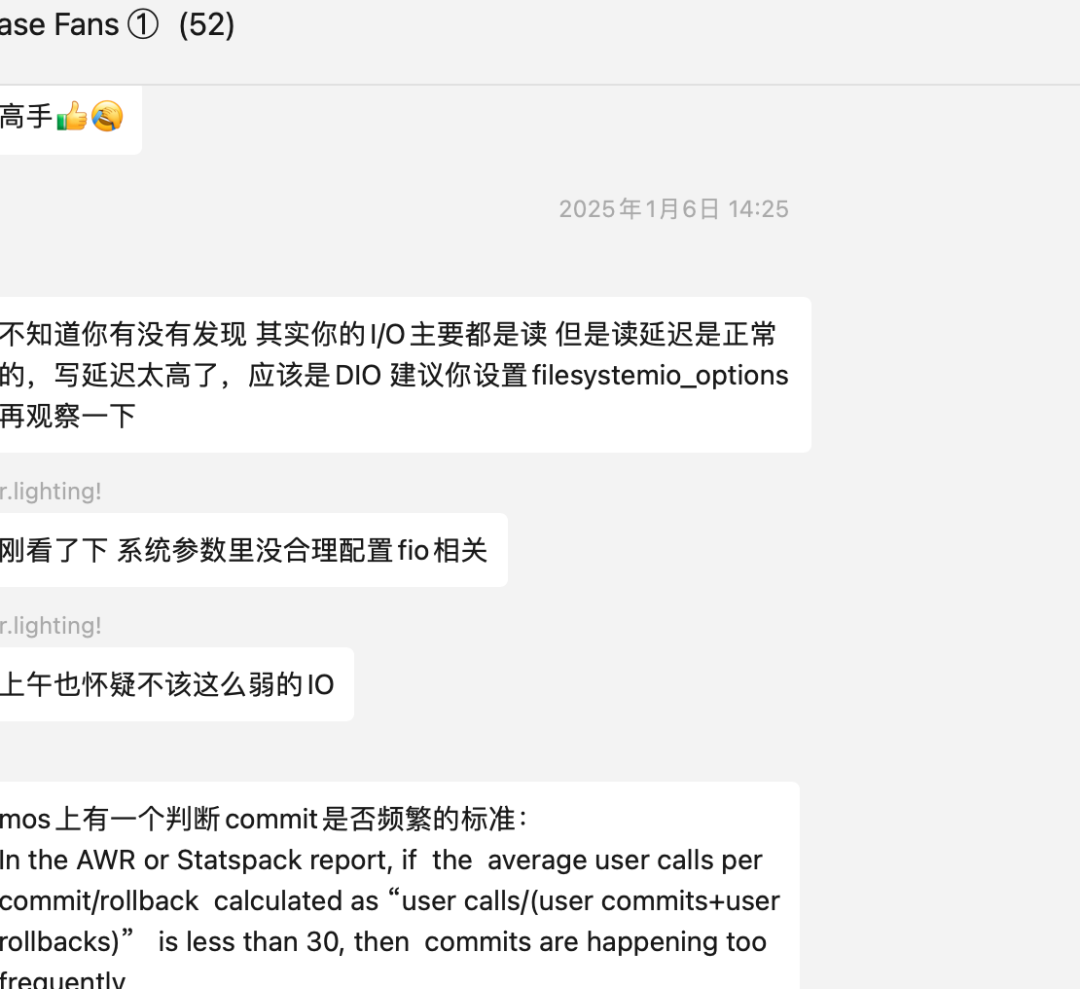
MySQL: