



自己安装的openGauss环境
启动openGauss
gs_ctl -D /gauss/data/db1/ start
登录openGauss
gsql -d postgres -p 26000 -r
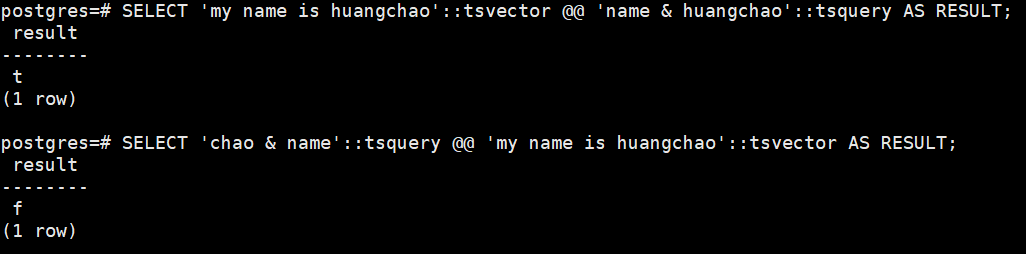
1.用tsvector @@ tsquery和tsquery @@ tsvector完成两个基本文本匹配
SELECT ‘my name is huangchao’::tsvector @@ ‘name & huangchao’::tsquery AS RESULT;
SELECT ‘chao & name’::tsquery @@ ‘my name is huangchao’::tsvector AS RESULT;
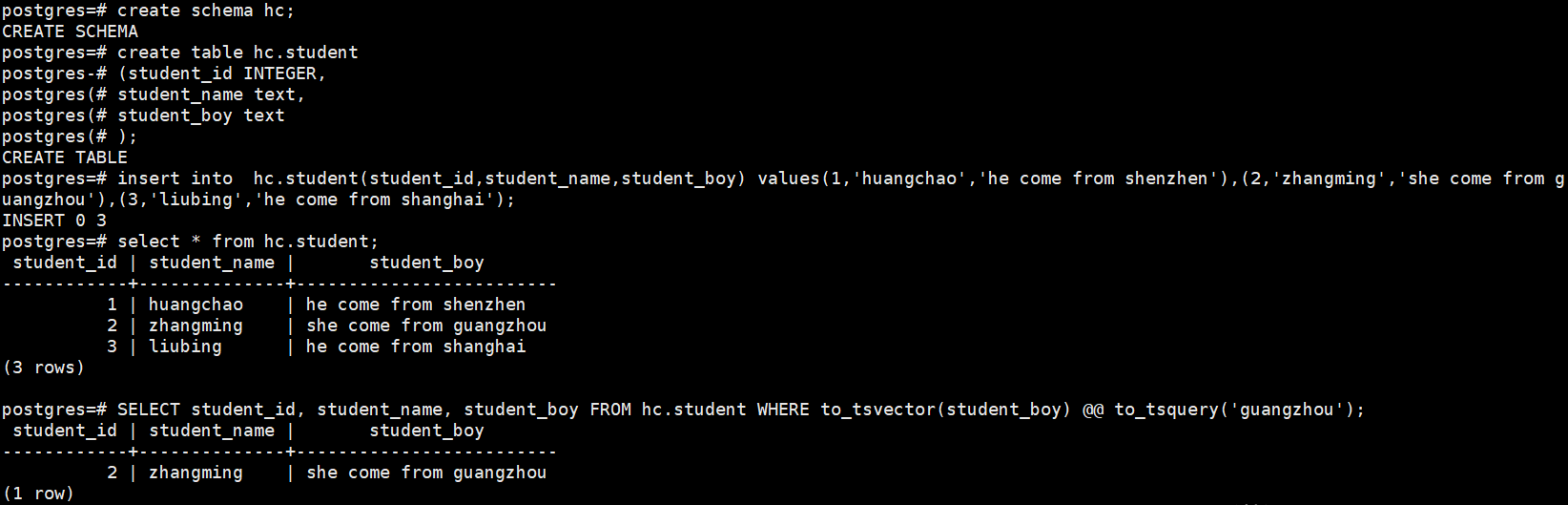
2.创建表且至少有两个字段的类型为 text类型,在创建索引前进行全文检索
create schema hc;
create table hc.student
(student_id INTEGER,
student_name text,
student_boy text
);
insert into hc.student(student_id,student_name,student_boy) values(1,‘huangchao’,‘he come from shenzhen’),(2,‘zhangming’,‘she come from guangzhou’),(3,‘liubing’,‘he come from shanghai’);
SELECT student_id, student_name, student_boy FROM hc.student WHERE to_tsvector(student_boy) @@ to_tsquery(‘guangzhou’);
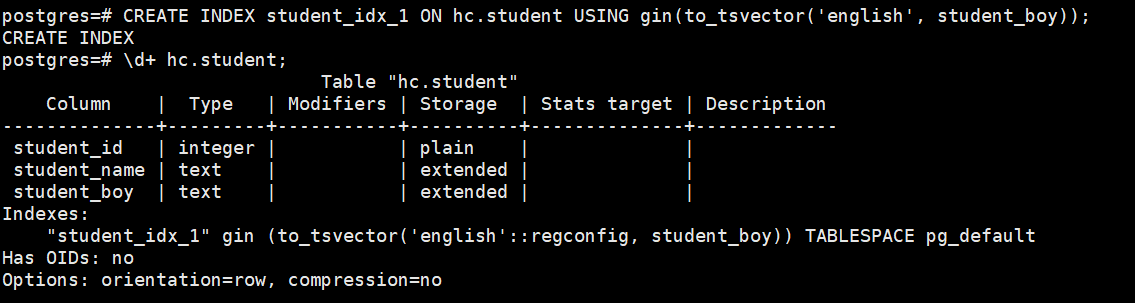
3.创建GIN索引
CREATE INDEX student_idx_1 ON hc.student USING gin(to_tsvector(‘english’, student_boy));
4.清理数据
drop schema hc cascade;

