



自己安装的openGauss环境
启动openGauss
gs_ctl -D /gauss/data/db1/ start
登录openGauss
gsql -d postgres -p 26000 -r
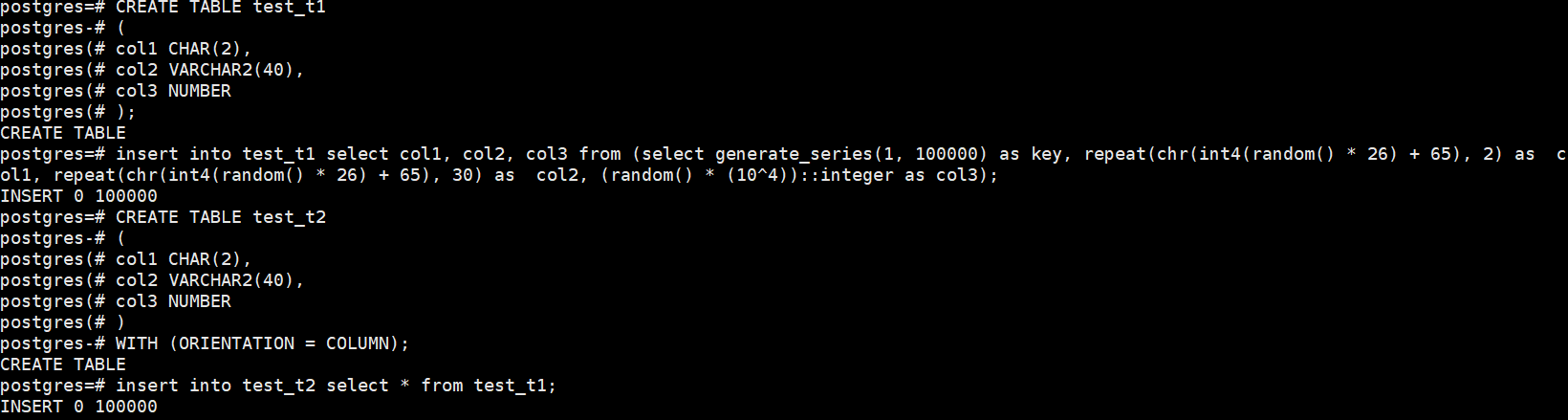
1.创建行存表和列存表,并批量插入10万条数据(行存表和列存表数据相同)
CREATE TABLE test_t1
(
col1 CHAR(2),
col2 VARCHAR2(40),
col3 NUMBER
);
\d+ test_t1
insert into test_t1 select col1, col2, col3 from (select generate_series(1, 100000) as key, repeat(chr(int4(random() * 26) + 65), 2) as col1, repeat(chr(int4(random() * 26) + 65), 30) as col2, (random() * (10^4))::integer as col3);
CREATE TABLE test_t2
(
col1 CHAR(2),
col2 VARCHAR2(40),
col3 NUMBER
)
WITH (ORIENTATION = COLUMN);
insert into test_t2 select * from test_t1;
2.对比行存表和列存表空间大小
\d+

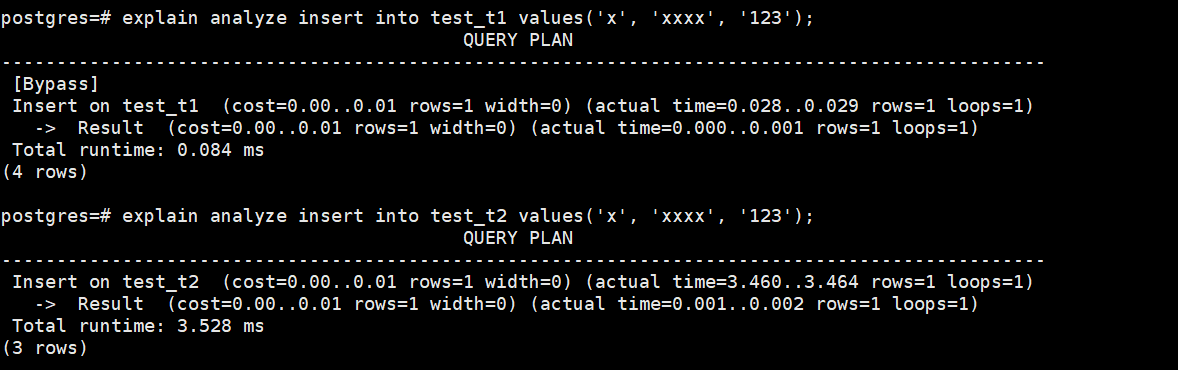
3.对比查询一列和插入一行的速度
analyze VERBOSE test_t1;
analyze VERBOSE test_t2;

explain analyze insert into test_t1 values(‘x’, ‘xxxx’, ‘123’);
explain analyze insert into test_t2 values(‘x’, ‘xxxx’, ‘123’);
4.清理数据
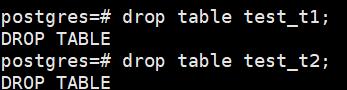
drop table test_t1;
drop table test_t2;
总结:
终于完成了openGauss的21天的在线学习实操课程,干货满满,加深对openGauss的掌握,喜欢上了openGauss!国产数据库,加油!
