



本篇文章主要讲的是SpringBoot+MyBatis+MySQL整合应用,来实现数据库的增删改查。
1. 创建项目:
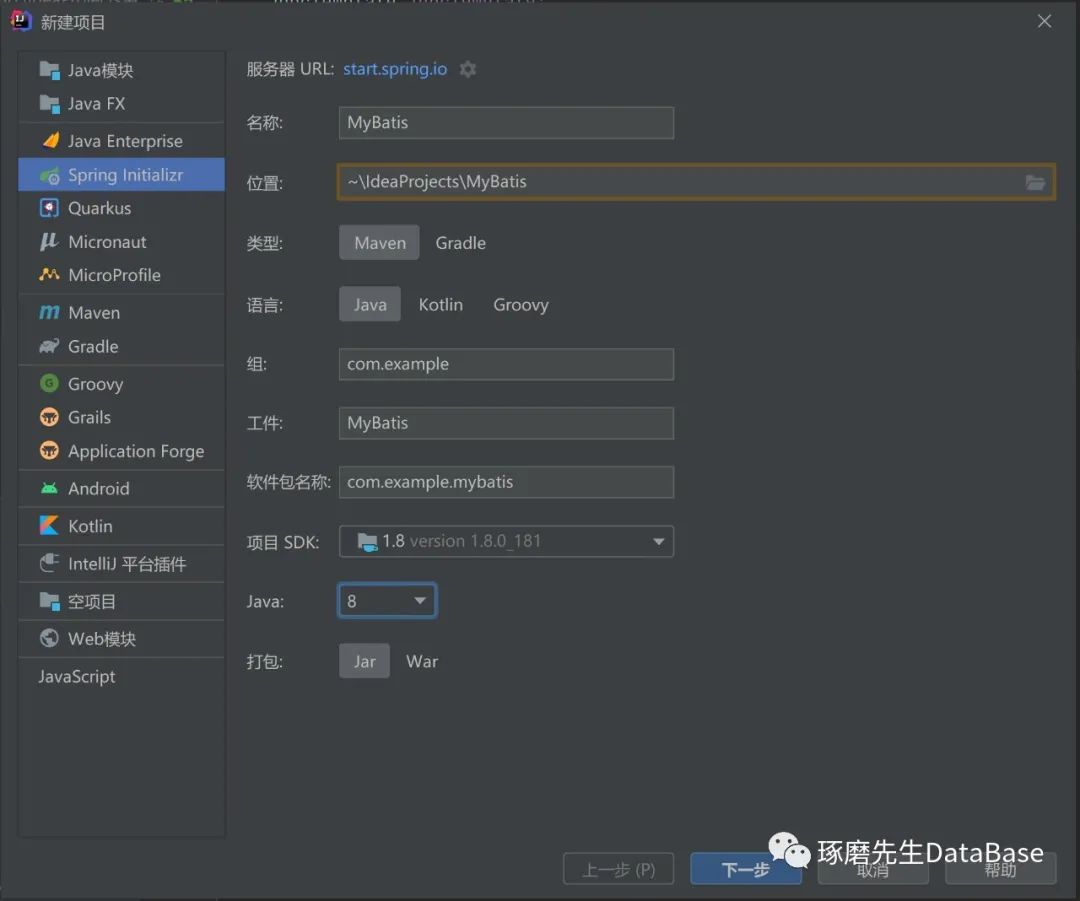
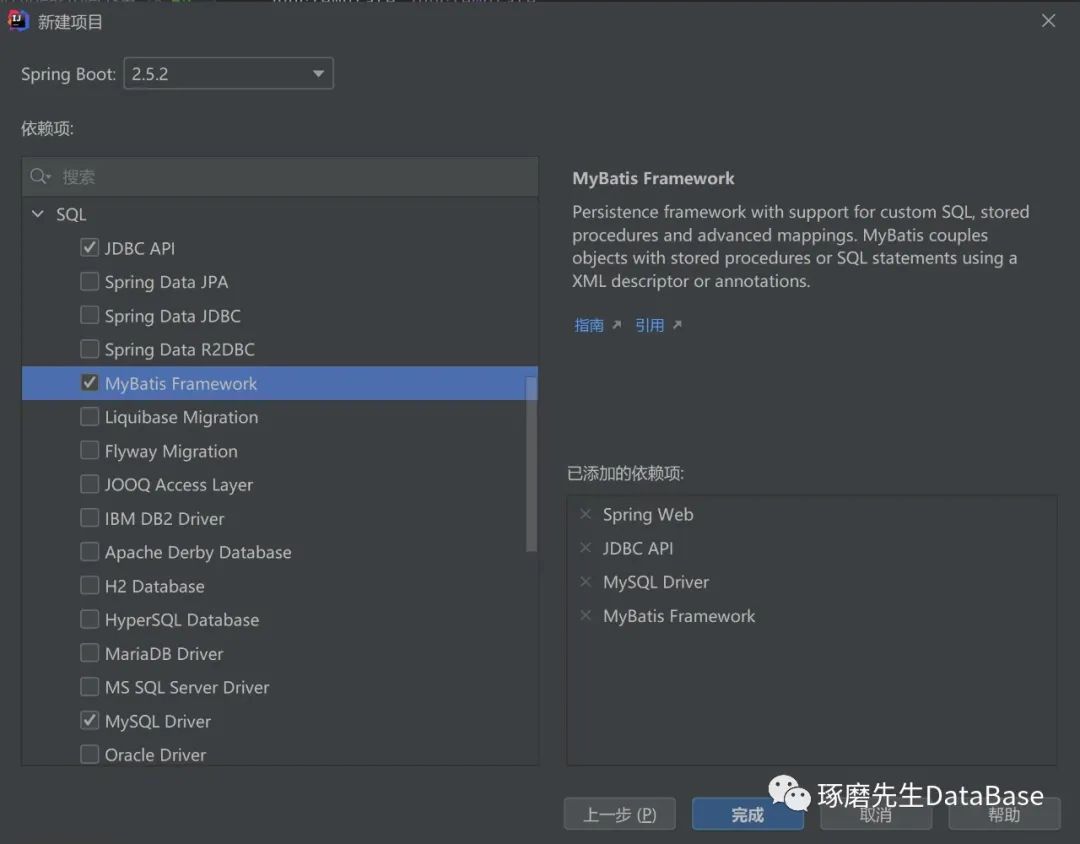
2. 导入依赖:选择了Web下的Spring Web,SQL下的JDBC,MyBatis和MySQL
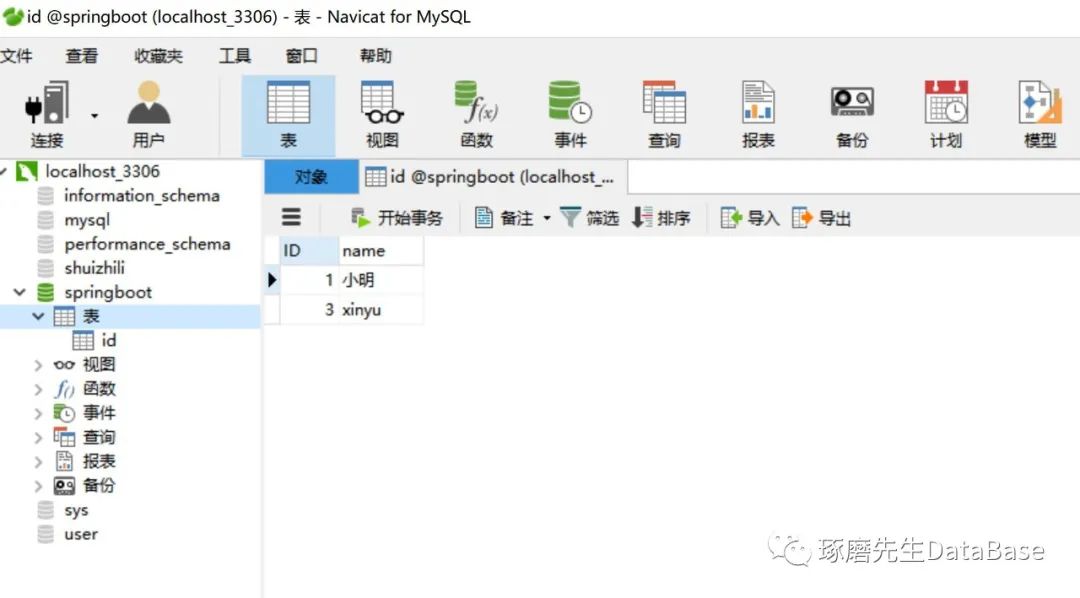
3. 创建数据库,数据库名为springboot,表名为id,属性包括int类型的ID和varchar类型的name,其中ID为主键,非空。
4. 编写项目配置文件,在resource文件夹中application文件中编写:
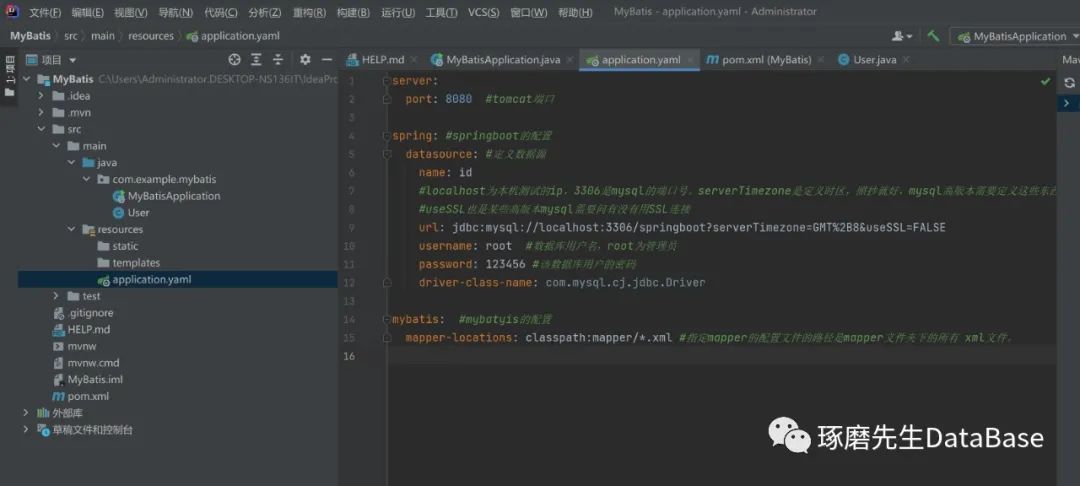
server.port=8088spring.datasource.username=rootspring.datasource.password=123456spring.datasource.url=jdbc:mysql://localhost:3306/springboot?serverTimezone=UTC&useUnicode=true&characterEncoding=utf-8spring.datasource.driver-class-name=com.mysql.cj.jdbc.Drivermybatis.mapper-locations=classpath:mapper/*.xml
Tomcat端口为8080,数据库用户名root,密码123456,mysql端口号33006(后来我将端口改为8088,因为8080是默认端口,容易占用)
5. 创建一个实体类User,里面包含数据表的全部字段:
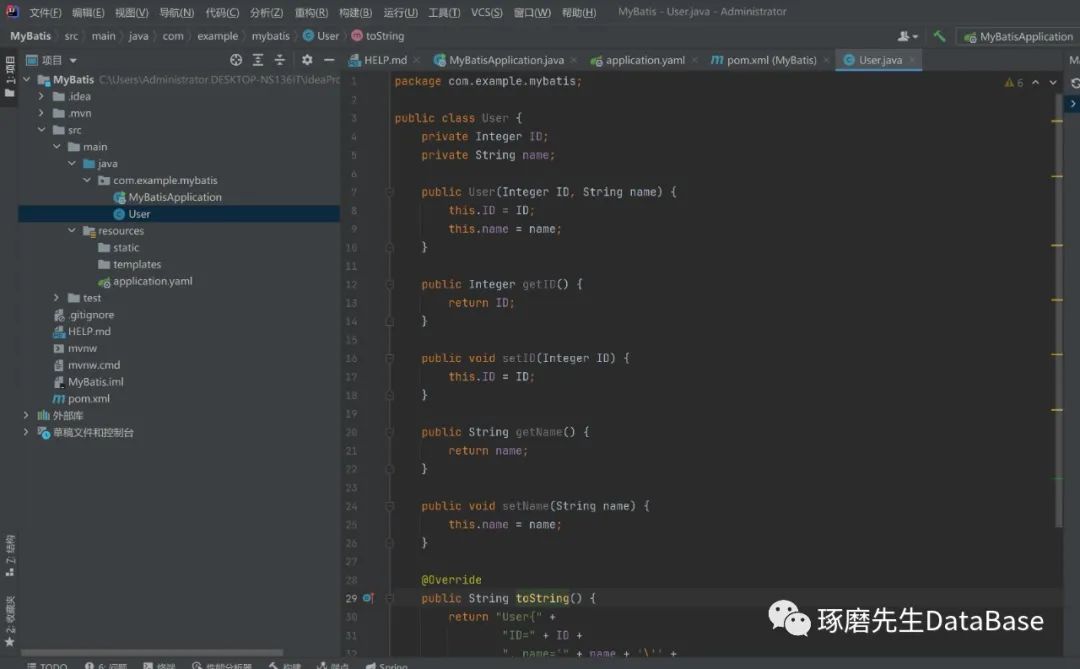
package com.example.mybatis;public class User {private Integer ID;private String name;public User(Integer ID, String name) {this.ID = ID;this.name = name;}public Integer getID() {return ID;}public void setID(Integer ID) {this.ID = ID;}public String getName() {return name;}public void setName(String name) {this.name = name;}@Overridepublic String toString() {return "User{" +"ID=" + ID +", name='" + name + '\'' +'}';}}
6. 编写一个mapper文件,里面包含对数据操作的方法(CRUD):
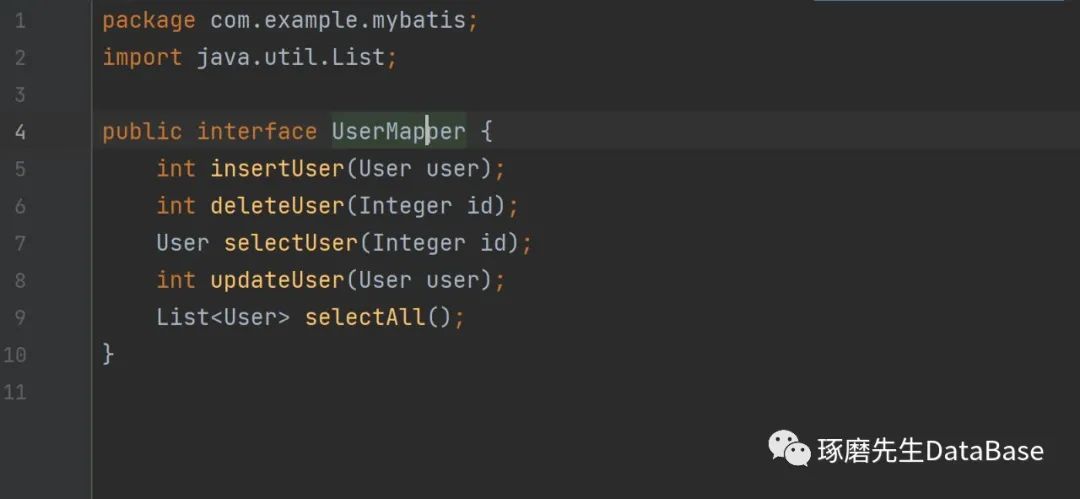
package com.example.mybatis;import java.util.List;public interface UserMapper {int insertUser(User user);int deleteUser(Integer id);User selectUser(Integer id);int updateUser(User user);List<User> selectAll();}
7. 用SQL语句操作数据库,在resources下,创建xml文件,用SQL语句实现UserMapper里定义的方法:
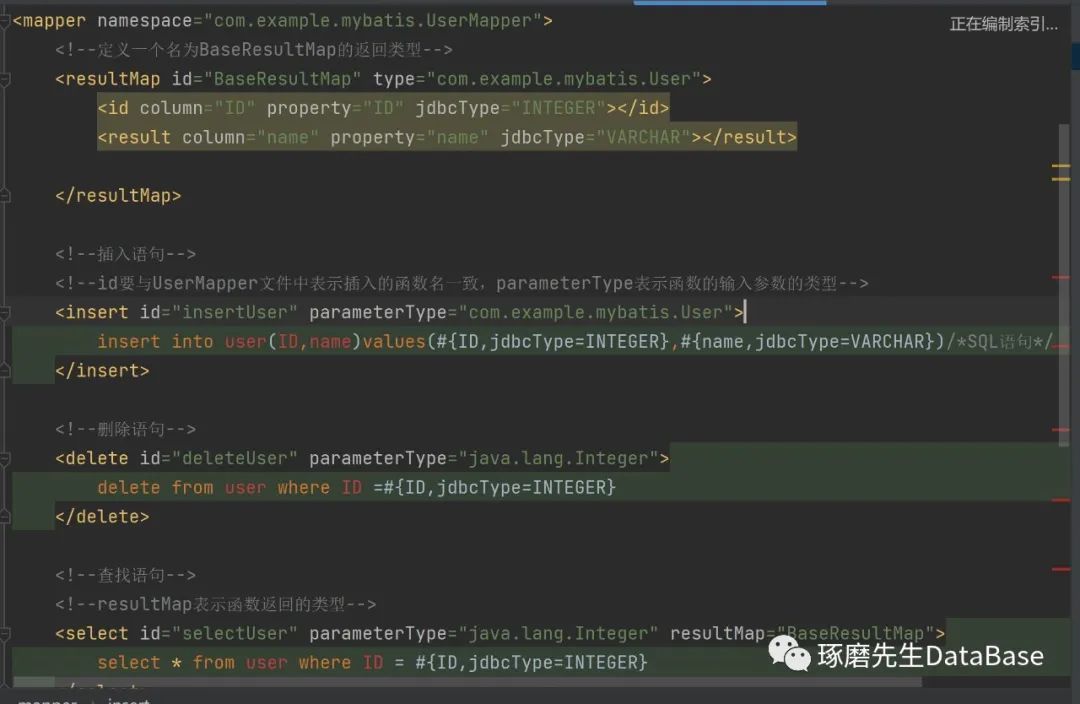
<?xml version="1.0" encoding="UTF-8" ?><!DOCTYPE mapper PUBLIC "-//mybatis.org//DTD Mapper 3.0//EN" "http://mybatis.org/dtd/mybatis-3-mapper.dtd" ><!--上面2行的是约束依赖,固定照抄就好--><!--下面的才是要自己编写的地方--><!--写mapper的配置文件第一步就是要写<mapper></mapper>标签--><!--<mapper></mapper>标签里包含着各个CURD操作的SQL语句--><mapper namespace="com.example.mybatis.UserMapper"><!--定义一个名为BaseResultMap的返回类型--><resultMap id="BaseResultMap" type="com.example.mybatis.User"><id column="ID" property="ID" jdbcType="INTEGER"></id><result column="name" property="name" jdbcType="VARCHAR"></result></resultMap><!--插入语句--><!--id要与UserMapper文件中表示插入的函数名一致,parameterType表示函数的输入参数的类型--><insert id="insertUser" parameterType="com.example.mybatis.User">insert into user(ID,name)values(#{ID,jdbcType=INTEGER},#{name,jdbcType=VARCHAR})/*SQL语句*/</insert><!--删除语句--><delete id="deleteUser" parameterType="java.lang.Integer">delete from user where ID =#{ID,jdbcType=INTEGER}</delete><!--查找语句--><!--resultMap表示函数返回的类型--><select id="selectUser" parameterType="java.lang.Integer" resultMap="BaseResultMap">select * from user where ID = #{ID,jdbcType=INTEGER}</select><!--查找语句--><select id="selectAll" resultMap="BaseResultMap">select * from user</select><!--修改语句--><update id="updateUser" parameterType="com.example.mybatis.User">update user set name=#{name,jdbcType=VARCHAR} where ID=#{ID,jdbcType=INTEGER}</update></mapper>
8. 编写UserService接口
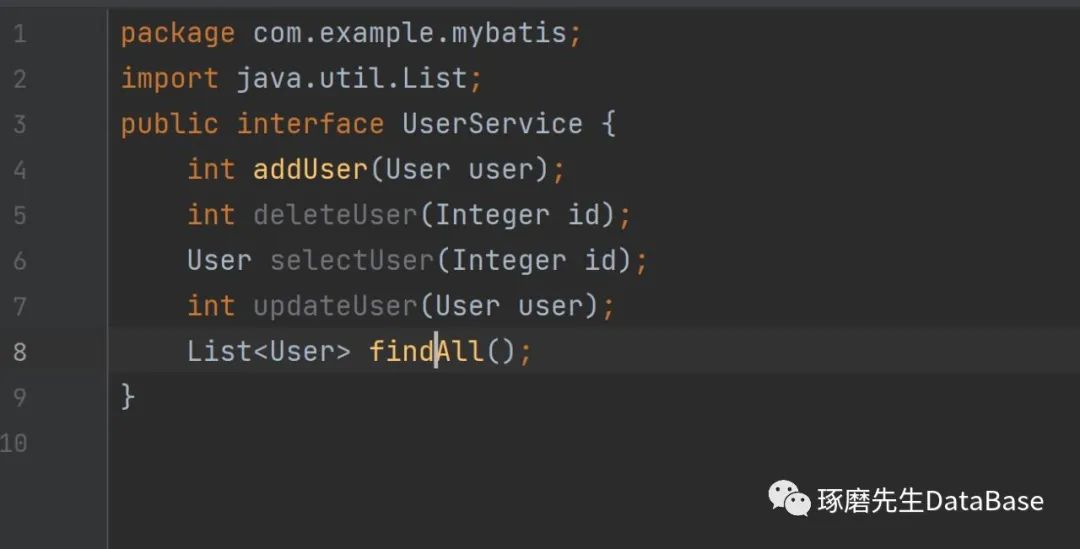
package com.example.mybatis;import java.util.List;public interface UserService {int addUser(User user);int deleteUser(Integer id);User selectUser(Integer id);int updateUser(User user);List<User> findAll();}
9. 实现UserService接口,编写UserServiceLmpl.class
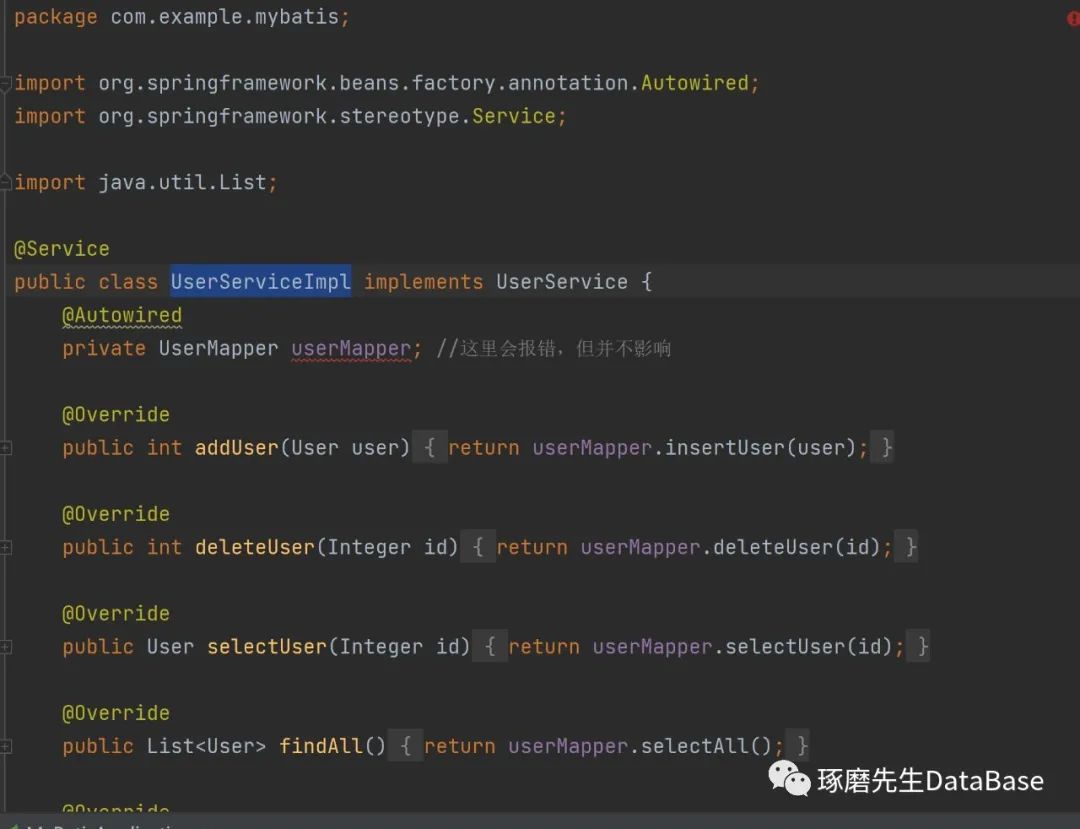
package com.example.mybatis;import org.springframework.beans.factory.annotation.Autowired;import org.springframework.stereotype.Service;import java.util.List;@Servicepublic class UserServiceImpl implements UserService {@Autowiredprivate UserMapper userMapper; //这里会报错,但并不影响@Overridepublic int addUser(User user) {return userMapper.insertUser(user);}@Overridepublic int deleteUser(Integer id) {return userMapper.deleteUser(id);}@Overridepublic User selectUser(Integer id) {return userMapper.selectUser(id);}@Overridepublic List<User> findAll() {return userMapper.selectAll();}@Overridepublic int updateUser(User user) {return userMapper.updateUser(user);}}
10. 需要往主函数中添加@MapperSCAN,扫描Mapper文件
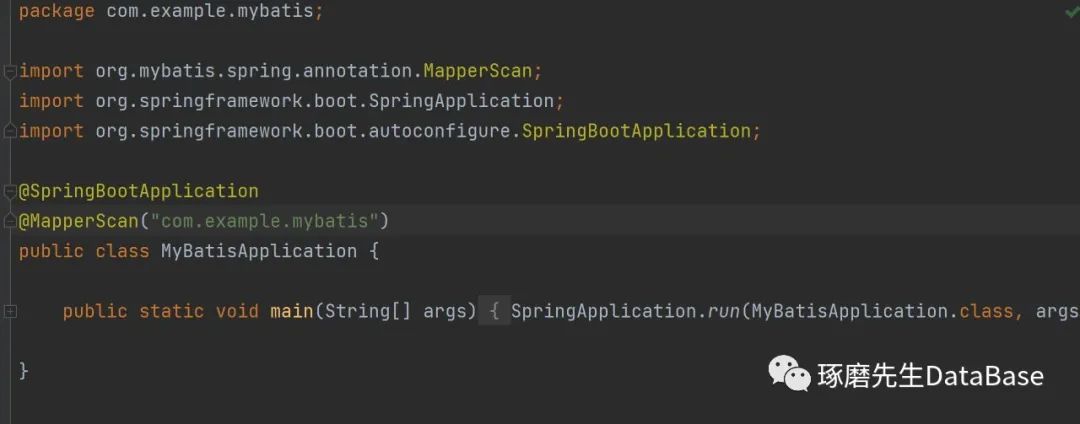
package com.example.mybatis;import org.mybatis.spring.annotation.MapperScan;import org.springframework.boot.SpringApplication;import org.springframework.boot.autoconfigure.SpringBootApplication;@SpringBootApplication@MapperScan("com.example.mybatis")public class MyBatisApplication {public static void main(String[] args) {SpringApplication.run(MyBatisApplication.class, args);}}
11. 编写Controller,通过浏览器显示:
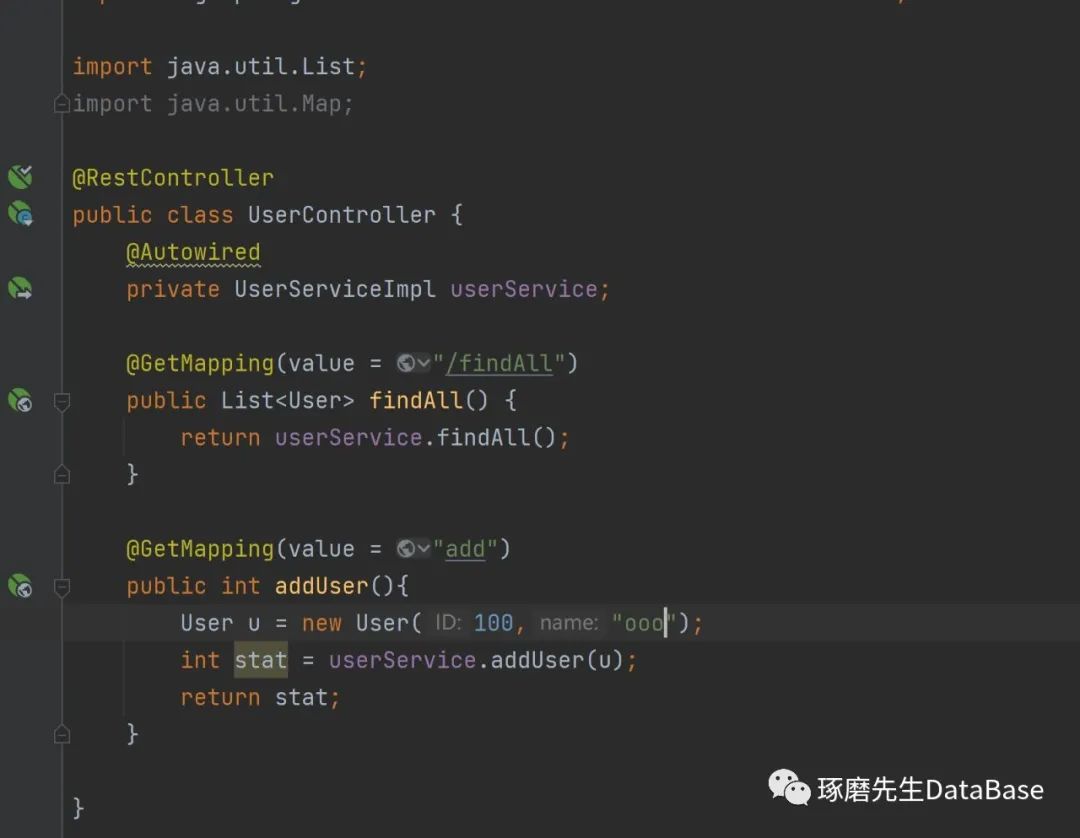
package com.example.mybatis;import org.springframework.beans.factory.annotation.Autowired;import org.springframework.jdbc.core.JdbcTemplate;import org.springframework.web.bind.annotation.GetMapping;import org.springframework.web.bind.annotation.RequestMapping;import org.springframework.web.bind.annotation.RestController;import java.util.List;import java.util.Map;@RestControllerpublic class UserController {@Autowiredprivate UserServiceImpl userService;@GetMapping(value = "/findAll")public List<User> findAll() {return userService.findAll();}@GetMapping(value = "add")public int addUser(){User u = new User(100,"ooo");int stat = userService.addUser(u);return stat;}}
12.运行程序,在localhost:8088/findAll,会显示数据库中所有信息:

遇到的问题:
1. UserMapper.xml文件报错,但是不影响代码运行
2. Controller中也设置路径了,删掉路径,将@RequestMapping更换为@GetMapping
3. 网站乱码问题,在UTF-8设置没出错的情况下,可能是浏览器的问题,更换浏览器后成功
4. 设置的表名尽量不要与关键字相同
文章转载自琢磨先生DataBase,如果涉嫌侵权,请发送邮件至:contact@modb.pro进行举报,并提供相关证据,一经查实,墨天轮将立刻删除相关内容。
